
Centralize service requests, clients, jobs, estimates, invoices, team updates, portal communication, email notifications, backups, and Pro automation inside WordPress.
Each feature is designed to keep the customer, the work, the documents, and the communication attached to the same operational record.
Clients submit requests through a dedicated portal so each request begins with a structured customer record.
Manage customer details, service addresses, work history, statuses, notes, and assigned team members.
Keep messages, internal notes, client-visible updates, and email notifications connected to the right record.
Build line-item documents, update statuses, print professional copies, and track payment state.
Give administrators, managers, and team members the appropriate level of access to daily work.
Approved clients can log in, request service, see their own records, and follow relevant updates.
Export and restore CRM records as JSON from your WordPress environment.
Review operational summaries and export clients, jobs, documents, and activity for analysis.
Extend the CRM with physical touchpoints and approved automation for Pro users.
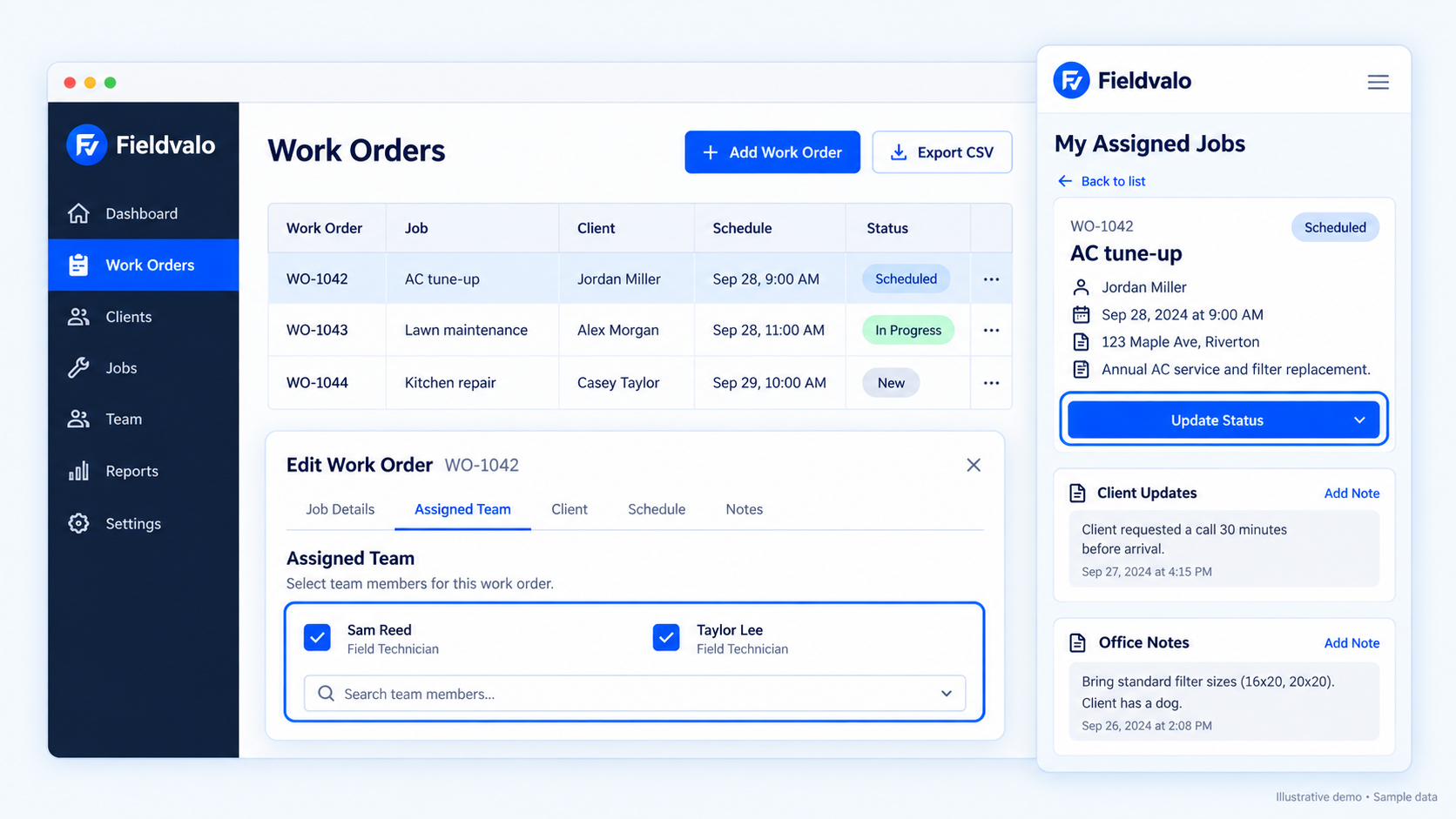
When a request becomes a job, estimate, invoice, message, or assignment, the related history stays visible. Owners spend less time searching across inboxes, sheets, and personal phones.
A focused WordPress CRM delivers the essentials without forcing your team into a much larger enterprise platform.
| Capability | Fieldvalo CRM | Spreadsheets | Heavy field-service SaaS |
|---|---|---|---|
| Client management | ✓ | ✓ | ✓ |
| Job tracking | ✓ | Manual | ✓ |
| Service request portal | ✓ | — | Plan dependent |
| Client portal | ✓ | — | Plan dependent |
| Connected estimates and invoices | ✓ | Manual | ✓ |
| WordPress-native | ✓ | — | Usually no |
| JSON backup and restore | ✓ | Manual | Vendor dependent |
| MCP automation | Pro | — | Varies |